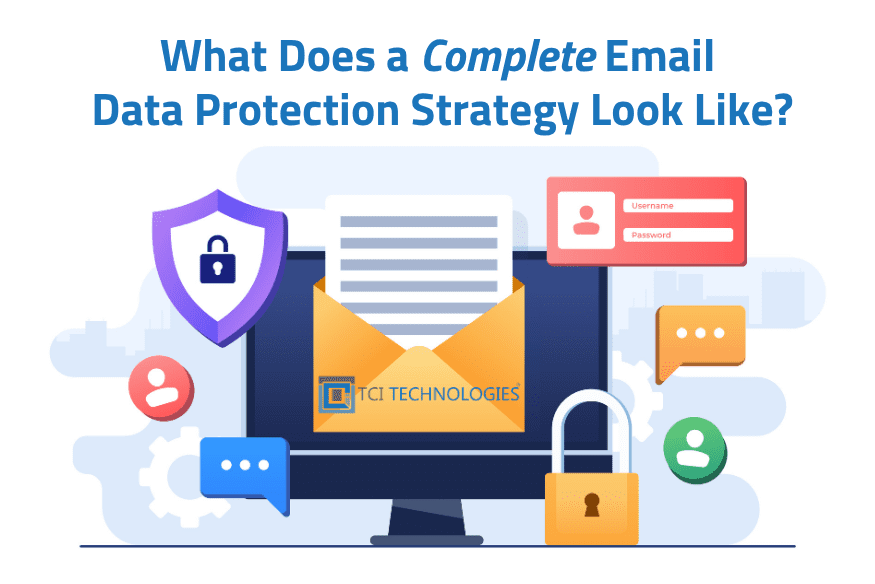
What Does a Complete Email Data Protection Strategy Look Like?
In earlier posts in this email management series, we explained why inbox cleanups fall short and how email archiving supports long-term organization and compliance. Archiving is an important step, but it is not the final one.
A complete email data protection strategy goes further. It combines security controls, reliable recovery, and clear retention policies to protect email data throughout its lifecycle.
Why Email Data Protection Needs Multiple Layers
Most organizations use cloud-based email platforms such as Microsoft 365 or Google Workspace, which include built-in security and retention tools. While these features provide important protection, email remains one of the most common targets for cyberattacks and a leading source of data loss.
Phishing, credential compromise, human error, and administrative mistakes still happen. Native recovery options are often limited to short timeframes, and once those windows expire, lost email may not be recoverable.
Effective email data protection must go beyond prevention. It also requires governance and dependable recovery.
Security Reduces Risk, Not Impact
Email security tools help stop threats before they reach users. These typically include spam and malware filtering, phishing detection, and link and attachment scanning.
While essential, these protections are not foolproof. Users can still fall for convincing phishing attempts, and emails or entire mailboxes can be deleted or compromised. When that happens, security tools alone cannot restore lost data.
That is why additional layers of protection are necessary.
Backup and Archiving Serve Different Purposes
The terms archiving and backup are often used interchangeably, but they serve very distinct roles:
-
- Email archiving focuses on long-term retention, compliance, searchability, and historical access
- Email backup focuses on restoring data after accidental deletion, ransomware, or system failure
Independent Backup and Recovery Tools
Independent backup and recovery tools that support cloud, on‑premises, and hybrid environments are highly recommended. Solutions such as Acronis and Veeam provide an added layer of protection by storing recoverable copies of email data outside the primary platform.
These tools enable organizations to:
-
- Recover individual emails or entire mailboxes
- Perform point-in-time restores
- Protect against accidental or malicious deletion
- Recover data after ransomware or administrative errors
- Maintain continuity across cloud and/or on-premises systems
This added layer ensures email data remains recoverable, even when native recovery options are limited or unavailable.
Policies Create Consistency and Control
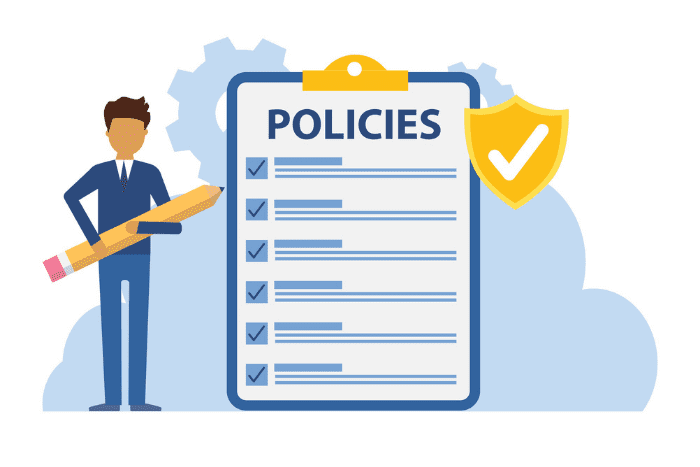
While recovery addresses immediate issues, policies determine how email data is managed over time.
Clear email retention and usage policies reduce risk and support compliance, but they are only effective when employees understand and follow them. Ongoing training through platforms such as KnowBe4, Checkpoint Security Awareness Training or Proofpoint Security Awareness Training helps staff handle email appropriately, especially when working with sensitive or regulated information.
Strong policies, supported by regular training, help organizations:
-
- Define how long emails should be retained
- Ensure consistent handling of sensitive data
- Support legal and regulatory obligations
- Reduce exposure caused by over-retention
Without clear policies and employee training, email data is often handled inconsistently across users and departments. Policies work best when they are documented, reinforced through training, implemented with archiving, and supported by reliable backup.
What a Complete Email Data Protection Strategy Includes
A well-rounded email data protection strategy typically combines:
-
- Native email security and retention features
- Email archiving for compliance and long-term access
- Independent backup and recovery using purpose-built tools
- Clearly defined retention and usage policies
Each layer addresses a different risk. Together, they create a more resilient email environment.
Final Takeaway
Email data protection is not just about managing inboxes or storage. It’s about protecting critical communications, meeting compliance requirements, and ensuring recovery when things go wrong.
Archiving adds structure. Security reduces risk. Recovery provides resilience. Policies create consistency. Together, they form a complete email data protection strategy.
If you would like help reviewing your current approach or identifying gaps, TCI Technologies is here to help!